Proposal collaboration
right in Slack
Create, review, and close deals without leaving Slack. Real-time alerts, instant collaboration, and team alignment—all in the messaging platform your team lives in.
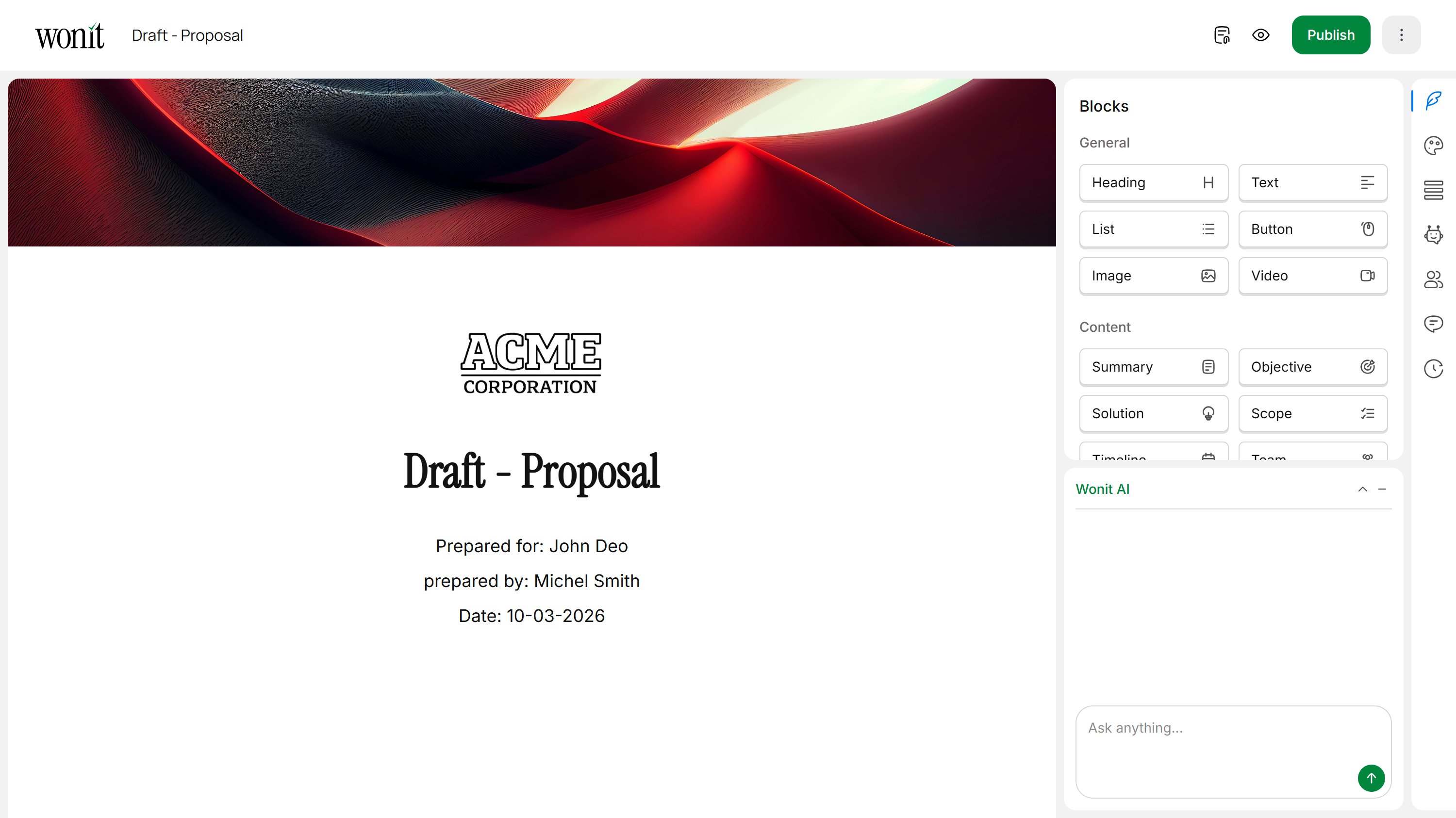

Create From Slack
Use simple Slack commands to generate new proposals, start RFP responses, and access your library—all without leaving your chat.

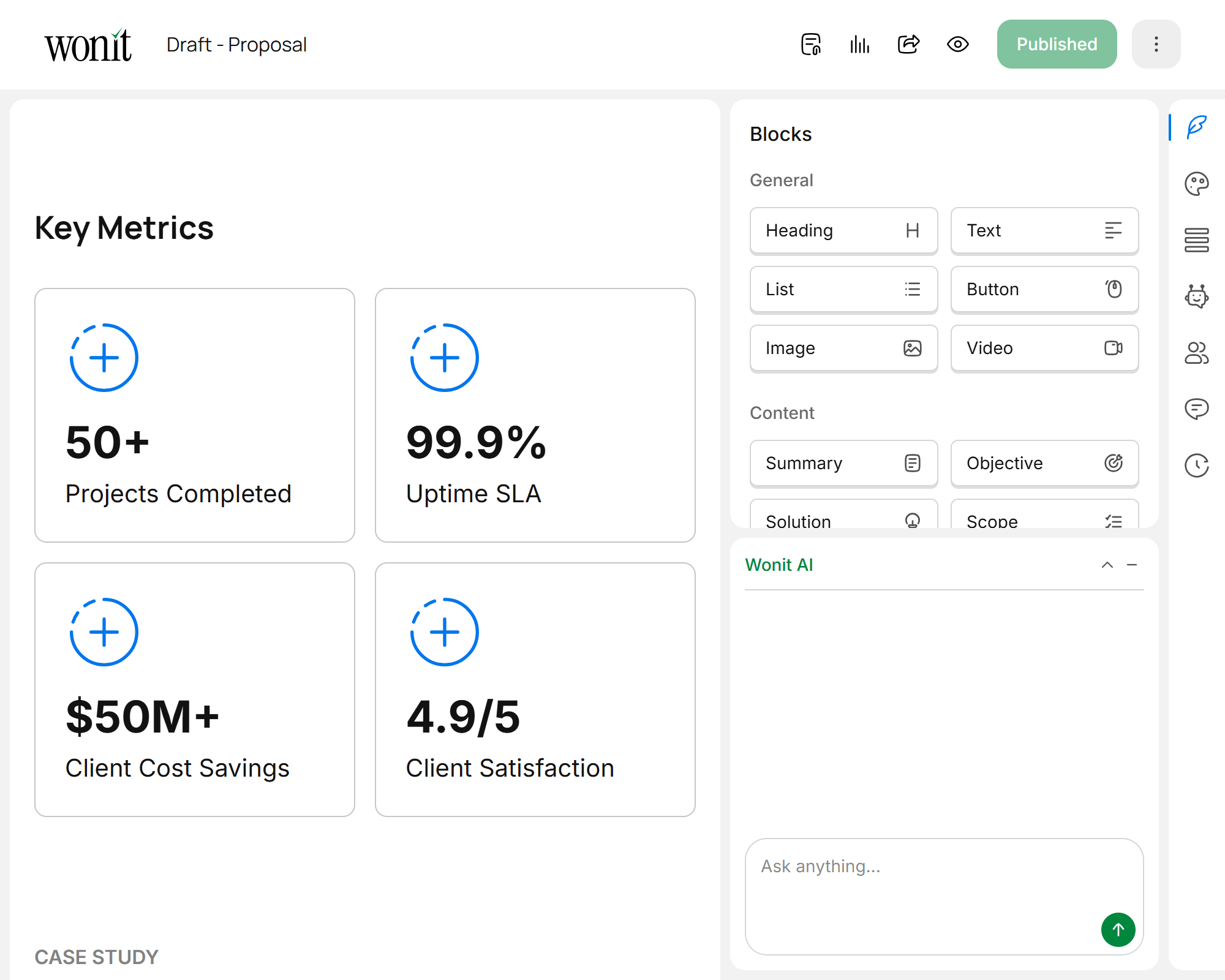
Stay Notified
Get smart alerts about proposal opens, engagement, approvals, and key milestones—only when you need to know.

Keep Sales and Marketing Aligned
Wonit in Slack brings your entire team into one conversation—no more silos, no more delays.
Collaborate in Slack
Create, review, and approve proposals right in Slack. No switching between apps or context loss.
Smart Notifications
Get real-time alerts when proposals are viewed, edited, or approved—only the updates that matter.
Share & Discuss
Share proposal links in Slack, get feedback from team, and track consensus before sending to clients.
Save Time Daily
Check proposal status, approve changes, and move deals forward without leaving your Slack workspace.
Core Features
Everything you need to collaborate seamlessly in Slack.
Instant Proposal Creation
Use Slack slash commands to generate a new proposal or respond to an RFP without navigating to Wonit.
Real-Time Engagement Alerts
Get notified the moment a client opens, views, or interacts with your proposal. Stay on top of hot deals.
Collaborative Reviews
Thread discussions about proposals in Slack. Comment, suggest changes, and approve in one conversation.
Smart Summaries
Wonit provides daily summaries of proposal activity, key metrics, and action items needed from your team.
How It Works
Five simple steps to integrate Wonit into your team's Slack workflow.
Install Wonit Bot
Add the Wonit bot to your Slack workspace with one click. Grant necessary permissions and you're ready to go.
Get Initial Setup
Choose which channels receive proposal notifications and set your notification preferences (all alerts, key updates only, etc.).
Generate from Slack
Use commands like /wonit-proposal to create proposals or /wonit-rfp to start working on RFPs, all from Slack.
Collaborate Instantly
Your team reviews, comments, and approves right in Slack. Get consensus faster and reduce approval friction.
Stay Updated
Receive real-time notifications on proposal engagement, approvals, and next steps—everything your team needs to know.
Quick Commands
Use these slash commands to work directly in Slack:
Create a new proposal from Slack
Start an RFP response project
Get a quick summary of recent proposal activity
Share a proposal link to the current Slack channel
Who Benefits Most
Wonit + Slack transforms workflows for teams at every level.
Sales Teams
Quickly respond to deal urgencies, collaborate on proposals in Slack, and close faster with your entire team aligned.
Pre-Sales & Solutions Engineering
Get notified instantly when clients engage with technical content, so you can follow up with real-time guidance.
Finance & Operations
Track proposal approvals and financial metrics in one place without jumping between platforms.
Agency Leaders
Monitor team productivity and proposal performance across all active projects from Slack.
Close More Deals With
AI-Powered Proposals
Generate smarter proposals, collaborate with your team, and automate your workflow — all in one powerful platform.
Frequently Asked Questions
How do I install the Wonit bot in my Slack workspace?
What Slack commands can I use?
What notifications will I receive in Slack?
Can my entire team collaborate on proposals in Slack?
Can I create proposals entirely from Slack?
What if I need to turn off notifications?
Is Slack integration secure?